Jun 1, 2024
AI Upscaling Adoption: Improving Low-Resolution Editorial Images at Scale
Editorial work moves fast, but image quality still matters — especially when author headshots, expert portraits, or contributor images arrive in poor resolution. In many cases, we weren’t provided original photography, only compressed files or screenshots. Before AI upscaling became mainstream, improving these images required heavy manual work: sharpening, noise reduction, detail recovery, and multiple layered adjustments — time-consuming steps that didn’t always produce clean results.
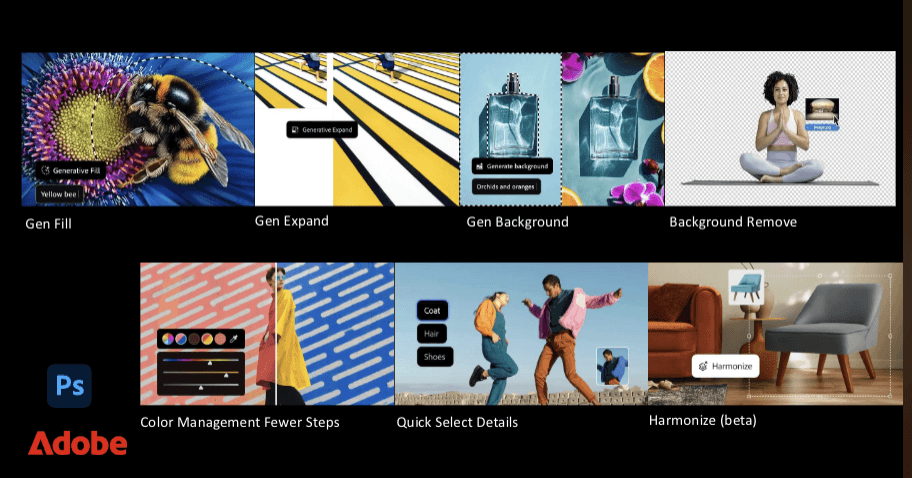
To solve this, I researched emerging AI enhancement tools and introduced new platforms such as Topaz Labs and Remini, along with early Adobe enhancement filters that supported clarity and resolution improvements. My goal was to create a scalable workflow that protected visual standards without slowing production.
I tested the tools across real editorial scenarios to evaluate what mattered most: realism (avoiding over-processed “plastic” skin), edge accuracy, artifact control, and how well results held up across different publishing sizes. Once I confirmed quality and consistency, I built internal guidance for when and how to use upscaling responsibly — especially for writer headshots and bio images where identity must remain accurate and natural.
I also advocated for the resources needed to implement the solution, helping secure budget approval and rolling the workflow out across the photo team. This reduced the time required to restore image quality, strengthened our editorial polish, and gave editors and designers faster access to usable, high-resolution assets — without sacrificing credibility.
Related Post
More stories to explore.